
Table of Contents
ToggleWhat Is Data Modeling?
Data modeling is the process of creating a visual or logical representation of a system’s data and how different data elements relate to each other. Think of it as drawing a blueprint before constructing a building — you define what data you’ll collect, how it’ll be organized, and how different pieces connect before any data is actually stored.
A data model acts as the plan for structuring databases, applications, and information systems. It defines the types of data to be stored, the rules governing it, and the relationships between data points and structures.
Good data modeling enables:
- Consistent and accurate data storage
- Faster, more reliable queries and reporting
- Cleaner integration between systems
- Better communication between technical and business teams
Simple Definition: Data modeling is like designing the rooms and corridors of a house before you build it. Each room (table/object) has a purpose, and corridors (relationships) connect them in meaningful ways.
Why Data Modeling Matters
Data is only valuable when it’s organized in a way that makes it accessible, trustworthy, and actionable. Poor data modeling leads to duplicated records, broken reports, slow systems, and costly migration projects down the road.
Here’s why investing time in data modeling pays off:
| Benefit | What It Means in Practice |
|---|---|
| Better Data Quality | Structured models reduce inconsistencies and duplicates |
| Improved Performance | Well-designed schemas lead to faster queries and reports |
| Easier Integration | Clear relationships make connecting systems straightforward |
| Stronger Analytics | Good structure enables meaningful insights and dashboards |
| Better Security | Proper modeling supports fine-grained access control |
| Scalability | A solid foundation scales with business growth |
Key Data Modeling Concepts
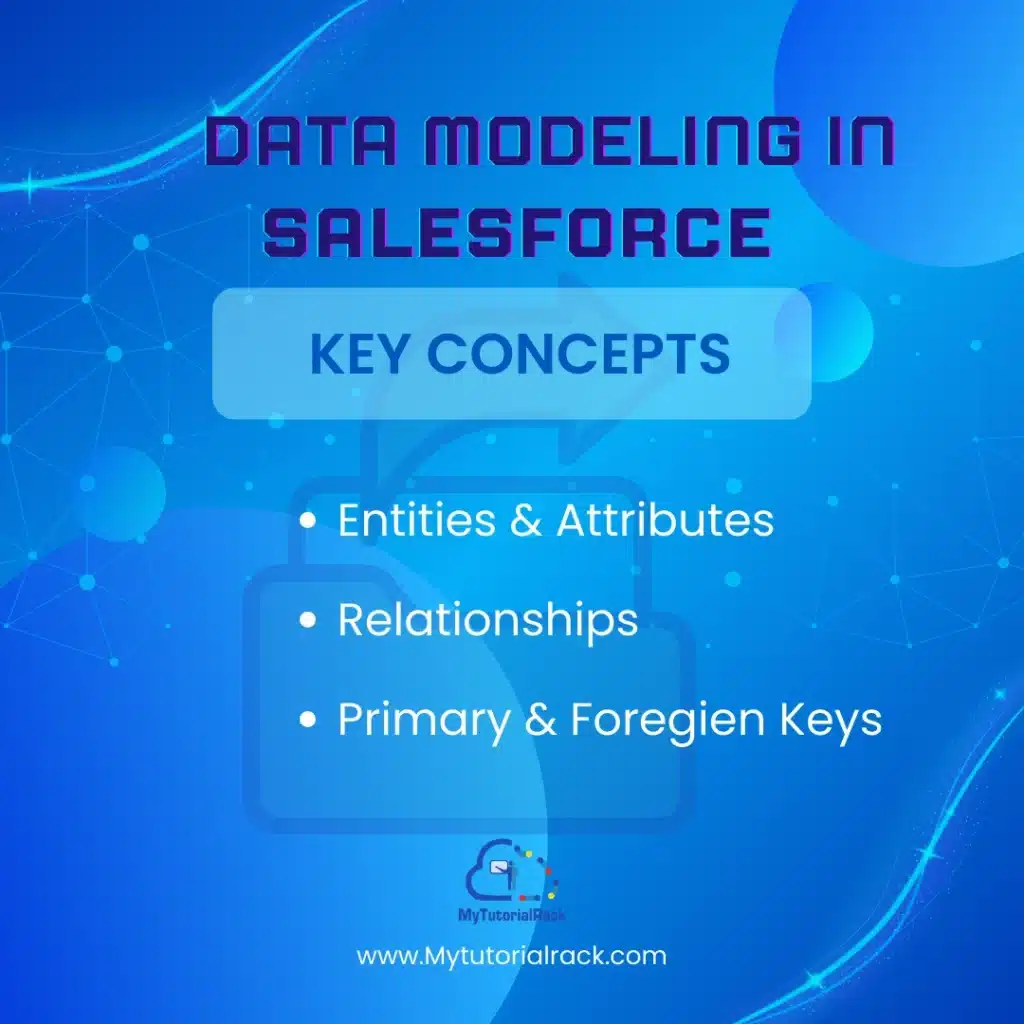
Entities and Attributes
An entity represents a real-world object or concept about which data is collected — like a Customer, Product, or Invoice. An attribute is a property of that entity, such as a customer’s name, email, or phone number.
Relationships
Relationships define how entities connect to one another. The three primary types of relationships are:
- One-to-One (1:1): One record in Entity A links to exactly one record in Entity B.
- One-to-Many (1:N): One record in Entity A can relate to many records in Entity B (e.g., one Account can have many Contacts).
- Many-to-Many (M:N): Multiple records in Entity A can relate to multiple records in Entity B, typically handled through a junction object.
Primary and Foreign Keys
A primary key uniquely identifies each record in a table. A foreign key is a field in one table that refers to the primary key of another, establishing the link between them.
Normalization
Normalization is the process of organizing data to minimize redundancy and improve integrity. It involves structuring tables so that data is stored in one place and referenced everywhere else it’s needed.
Want to master these concepts hands-on? Our Salesforce Admin Certification Course teaches data modeling in real-world Salesforce scenarios. Explore the Course
The Salesforce Data Model Explained
Salesforce is a world-leading CRM platform used by over 150,000 businesses globally, and its power lies heavily in how it structures data. The Salesforce data model is the way data is stored, organized, and related within the Salesforce platform.
Instead of raw SQL tables, Salesforce gives you a business-friendly layer of abstraction: Objects, Fields, and Records — which map directly to database tables, columns, and rows respectively.
| Salesforce Term | Database Equivalent | Example |
|---|---|---|
| Object | Table | Account, Contact, Opportunity |
| Field | Column | Account Name, Email, Close Date |
| Record | Row | Acme Corp (an Account record) |
The Salesforce data model is not just the infrastructure where data is physically stored — it’s how your data is categorized, structured, and made meaningful. Decisions you make about your data model directly affect user experience, data reporting, automation capabilities, and access control across your org.
Objects, Fields & Records in Salesforce
Standard Objects
Standard objects are pre-built by Salesforce and come ready to use out of the box. They cover the fundamental CRM activities that most businesses need from day one. Common examples include:
- Account — Companies or organizations you do business with
- Contact — Individual people associated with accounts
- Opportunity — Potential deals in your sales pipeline
- Lead — Prospective customers who have shown interest
- Case — Customer support tickets and issues
- Product — Items or services you sell
- Activity — Tasks, events, and logged calls
Custom Objects
When standard objects don’t fit your unique business requirements, you can create custom objects to track data specific to your organization. For example:
- A real estate company might create a custom Property object
- A university might build a Student Application object
- A logistics firm might add a Shipment Tracking object.
Custom objects give Salesforce its remarkable flexibility across industries.
Standard and Custom Fields
Each object contains fields. Standard fields come pre-configured (like Account Name, Phone, or Created Date). Custom fields are ones you create to capture information specific to your business — a “Customer Tier” picklist, a “Projected Revenue” currency field, or a “Reference Code” text field.
Salesforce supports a wide variety of field types including Text, Number, Currency, Date/Time, Picklist, Formula, Lookup, and many more.
Salesforce Relationships
One of the most powerful aspects of the Salesforce data model is how objects can be related to one another. Understanding relationship types is critical for any Salesforce professional.
Lookup Relationship
A lookup relationship creates a loose link between two objects. The child record can exist independently of the parent. If the parent record is deleted, the child record is not affected.
Example: A Contact can be linked to an Account via a lookup — but deleting the Account won’t automatically delete the Contact.
Master-Detail Relationship
A master-detail relationship is a tighter, more dependent link. The child (detail) record cannot exist without the parent (master). If the master record is deleted, all associated detail records are also deleted (cascade delete).
This relationship also enables rollup summary fields on the master object — letting you automatically count, sum, or find the min/max of values across all child records.
Many-to-Many (Junction Objects)
When two objects need a many-to-many relationship, Salesforce uses a junction object — a custom object with two master-detail relationships, one pointing to each of the related objects.
Example: A single Campaign can have many Contacts, and a single Contact can belong to many Campaigns.
Hierarchical Relationship
Available only on the User object, a hierarchical relationship lets you link users to other users — perfect for modeling organizational reporting structures like manager-to-employee relationships.
Pro Tip: Choosing between a Lookup and a Master-Detail relationship is one of the most important decisions in Salesforce data modeling. Consider data integrity needs, reporting requirements, and security implications before deciding.
Schema Builder: Your Visual Modeling Tool
Salesforce provides a built-in visual tool called Schema Builder that allows you to see and design your data model graphically — similar to an ER diagram. You can view all objects, fields, and relationships in one canvas, and even create new objects, fields, and relationships directly from within the interface.
How to Access Schema Builder:
- Access Schema Builder — Go to Setup, search “Schema Builder” in the Quick Find box, then open Schema Builder.
- Select Your Objects — Choose which objects to display on the canvas from the left panel. Start with the objects most relevant to your use case.
- Explore or Build Relationships — Lines between objects represent relationships. Hover over them to see details. Use the “Create” button to add new objects or fields right from the canvas.
Schema Builder is especially valuable when you are:
- Onboarding to a new Salesforce org
- Auditing an existing data model
- Planning changes before implementing them
Data Modeling Best Practices
Whether you’re modeling data for a traditional database or for Salesforce, these best practices will help you build something that scales and stays clean over time.
Start with Business Requirements
Before creating a single object or field, understand what the business needs to do and report on. Talk to stakeholders. Map out business processes. Your data model should serve the business, not constrain it.
Avoid Over-Customization
In Salesforce, it’s tempting to create custom objects and fields for everything. Resist this urge. Where standard objects meet your needs, use them. Excessive customization increases maintenance overhead and complicates upgrades.
Plan Your Relationships Carefully
Relationships define how your data interconnects. Think through what happens when records are deleted, how rollup summaries should work, and how sharing rules will apply. Changing relationship types later can be difficult or impossible without data migration.
Use Consistent Naming Conventions
Name your objects and fields clearly and consistently. Use descriptive labels that business users will understand. Avoid jargon or abbreviations that only developers recognize.
Document Your Data Model
Keep a living document — or use Schema Builder — to maintain an up-to-date picture of your data model. This is invaluable for onboarding new team members and for auditing purposes.
Think About Reporting from the Start
Build your data model with reporting in mind. The structure of your data directly determines what reports and dashboards are possible. If you need to report on the relationship between two objects, make sure that relationship exists in your model.
Apply Field-Level Security and Access Controls
The Salesforce data model is deeply connected to security. Field-level security, object permissions, and sharing rules are all tied to how your model is structured. Consider data governance from day one.
Data Modeling as a Career Skill
Data modeling is not just a technical skill — it’s a strategic one. As businesses become increasingly data-driven, professionals who can design clean, scalable, and meaningful data models are in high demand.
In the Salesforce ecosystem specifically, data modeling is a core competency for:
- Salesforce Administrators — who build and maintain the org’s data structure
- Salesforce Developers — who write code against that structure
- Salesforce Architects — who design the overall system landscape
- Business Analysts — who translate requirements into data models
The Salesforce Admin certification exam explicitly tests your understanding of data modeling, including object relationships, field types, and the Schema Builder. Mastering data modeling is not just good practice — it’s a certification requirement.
Ready to Master Salesforce Data Modeling?
Our Salesforce Admin Certification Course teaches you everything from data modeling fundamentals to advanced configurations — all in a hands-on, real-world environment designed to get you certified and job-ready.
What You Will Learn
| Module | Topics Covered |
|---|---|
| Data Modeling and Management | Custom objects, fields, relationships, Schema Builder |
| Security and Access Control | Profiles, permission sets, field-level security, roles, sharing rules |
| Automation with Flows | Salesforce Flow, process automation without code |
| Reports and Dashboards | Turn your data model into actionable business insights |
| Exam Preparation | Practice questions, mock exams, certification objectives |
Conclusion
Data modeling is the backbone of every well-functioning database and CRM system. Whether you’re designing a simple contact database or architecting an enterprise Salesforce org, the principles remain the same: understand your data, define your entities, establish meaningful relationships, and document everything.
In Salesforce, data modeling is expressed through objects, fields, records, and relationships — and mastering these concepts is the first step toward becoming a certified Salesforce Administrator. These concepts are learnable, practical, and immediately applicable in the real world.
If you’re ready to make Salesforce your career, our Salesforce Admin Certification Course is your shortcut from beginner to certified professional.
Start Learning Today Join thousands of students who have passed their Salesforce Admin exam with MyTutorialRack. Get Certified Now





