
Salesforce Certified Platform App Builder Course
If you are looking to prepare for your Platform App Builder Certification Exam, this course is MUST have for you. It will prepare you for the Certification exam and also help you in becoming a Salesforce Administrator.
-
This course covers the Data Modeling and Management Module for the Exam.
-
This course also contains Practice Tests for the Platform App Builder Certification Exam.
-
This course is a complete Hands-On Training where you will build a Custom application using Point-and-Click Application Development.
-
This course contains NOTES for each topic for last minute preparation.
-
If you are planning to start your career in Salesforce, this course will give you a Jump-Start.
-
This course also covers material for Salesforce Admin 201 certification.
-
You will learn to build custom Apps in Salesforce.
Salesforce Certified App Builder Exam Details
The Salesforce Certified App Builder Exam consists of the following details and structure:
-
Content: 60 multiple-choice/multiple-select questions and 5 unscored questions*
-
Time allotted to complete the exam: 105 minutes
-
Passing score: 63%
-
Registration fee: USD 200, plus applicable taxes as required per local law
-
Retake fee: USD 100, plus applicable taxes as required per local law
-
Delivery options: Proctored exam delivered onsite at a testing center or in an online proctored environment.
-
References: No hard-copy or online materials may be referenced during the exam.
-
Prerequisite: None; course attendance highly recommended.
Topics for the Exam:
-
Data Modeling and Management: 20%
-
Security: 10%
-
Business logic and automation: 27%
-
Social : 3%
-
User Interface: 14%
-
Reporting: 5%
-
Mobile: 5%
-
App Development: 8%
-
Salesforce Fundamentals: 8%
Introduction
-
Create Salesforce Developer account
-
Connect with on LinkedIn
-
Please Download the Slides Used in the Course
Object and Fields in Salesforce
-
Overview of the Salesforce UI: What is Object, tab, Profiles & Users?
-
What is Object, tab, Profiles & Users ? (Part 2)
-
What are objects and fields in Salesforce?
-
What is the difference between Standard and Custom Object in Salesforce?
-
Different types of Objects in Salesforce?
-
What are Standard and Custom fields in Salesforce?
-
How do I create a field in Salesforce Lightning?
-
How to create your own custom App in Salesforce?
-
Create custom app in Salesforce: Recruiting Application
-
Create Custom object in Salesforce: Position Object to keep track of Positions
-
Adding custom fields on an Object via Object Manager
-
How to add custom fields on an object via Schema Builder?
-
What are the different field types in Salesforce?
-
Create 2nd Object for our Recruiting Application: Candidate Object
-
Adding fields to our Custom Object in Salesforce
Quiz : Custom fields and Objects in Salesforce
-
Quiz
Page Layouts in Salesforce
-
What are page layouts in Salesforce? How to create and edit Page Layouts ?
Validation Rules In Salesforce
-
Validation Rule in Salesforce
-
How to create Validation Rules in Salesforce?
-
Validation Rules in Salesforce: Create validation rules for Closed Date
-
Validation Rules in Salesforce? Difference between && and AND
-
Creating 2nd Validation Rule
-
Create 3rd Validation Rule: Close Date should be after Open Date
-
Create 4th Validation rule: Max Pay should not be greater than 1M
-
Create 5th Validation Rule: US citizen and Visa Required
Formula fields in Salesforce
-
Formula fields in Salesforce: How do I create a formula field in Salesforce?
-
Formula fields in Salesforce: Create formula fields ( Days Open)
-
How do I use an image from static resources in a Formula field?
-
Formula fields in Salesforce with Example
-
IMAGE and Hyperlink function in formula fields in Salesforce
Notes: Formula Fields
-
Formula Fields Summary (Notes)
Quiz
-
Quiz
Different types of Relationship in Salesforce
-
Object relationships in salesforce
-
Different types of Relationship in Salesforce
-
One to many relationship in salesforce
-
Create 3rd Custom Object for our Recruiting Application
-
Lookup Relationship in Salesforce
-
How to create lookup relationship in salesforce ?
-
Difference between lookup and master detail relationship in salesforce
-
Create Review Object
-
Creating a Review Object
-
How to create a Master Detail relationship in Salesforce?
Quiz
-
Quiz: Data Modeling and Management
Rollup Summary in Salesforce
-
What is a roll up summary field in Salesforce?
Notes: Roll Up Summary
-
Notes: Roll Up Summary
Many to Many relationship in Salesforce: Junction Object
-
Creating custom Object in Salesforce
-
What is Many to Many relationship in Salesforce?
-
Junction Object in Salesforce
Quiz
-
Data Modeling and Management
Sample Exam Question for the Platform App Builder Exam
-
Sample Exam Question for the Platform App Builder Exam
Data Loader and Data Import Wizard
-
How do I Import Data Into Salesforce?
-
Importing records using Data Loader
-
What is Data Loader and How do I use Data Loader?
-
Data Loader Setup Instructions
-
How to Update records using Data Loader?
-
Delete records using Data Loader
-
How to export Data from Salesforce using Data Loader?
-
What is Data import wizard in Salesforce?
-
Update Records Using Data Import Wizard
-
What is the difference between data loader and import wizard?
-
Features of Data Import Wizard and Data Loader
-
Quiz: Data Loader and Data Import Wizard
Sharing Settings
-
Types of Data Access: Organization , Object Level, Field & Record Level Access
-
What are profiles in Salesforce? What do profiles control in Salesforce?
-
How do I assign an app to a profile in Salesforce? Changing App Settings
-
What is tab visibility? Default On, Default Off and Tab Hidden setting
-
How to insert records using Data Import Wizard in Salesforce?
-
Object level security in salesforce: How do I control an object access in Sf
-
How do I change the object level security in Salesforce?
-
Field Level Security : How to set field-Level security in Salesforce?
-
How to set the login hours and login IP ranges for the users in salesforce?
-
Overview of Profiles in Salesforce
-
What are Permission set in salesforce?
-
How to create permission set in salesforce lightning?
-
Changing Object setting and field settings via Permission Set
Data Security in Salesforce : OWD, Role Hierarchy, Sharing Rules, Manual Sharing
-
Organization Wide Defaults(OWD) in Salesforce
-
What is record level access in Salesforce?
-
What happens if OWD is private?
-
Create a Role Hierarchy: How do I create a role in Salesforce?
-
Setup Role Hierarchy
-
Grant Access using Hierarchies
-
Sharing Rules (Create Sharing Rules in Salesforce)
-
Criteria Based Sharing Rule
-
What does Read/Write on Sharing Setting mean when Profile for Object is Read onl
-
Create a New user and create a new profile
-
Public Group in Salesforce
-
Points to Remember for Sharing Rule
-
Manual Sharing in Salesforce
Special Permissions: View All, Modify All, View All Data and Modify All Data
-
What is View All and Modify All permission in Salesforce?
-
Modify All permission in Salesforce
-
What is view all data and modify all data in Salesforce?
Recycle Bin
-
Where is the Recycle Bin in Salesforce?
Quiz
-
Quiz
Page Layouts and Record Types in Salesforce
-
Page layout and Record types in salesforce
Quiz: Data Security
-
Quiz: Data Security
Automation tools in Salesforce : Workflows, Approval Process, Process Builder
-
What are workflows in Salesforce and why do we use workflows in Salesforce?
-
How do I send an email from a workflow in Salesforce?
-
How to set the criteria for your workflow rule in Salesforce?
-
What is a workflow field update in Salesforce?
-
How to create a Task using workflow?
-
Time Triggered workflow in Salesforce :How To Configure Time-Based Workflows ?
-
Time Dependent Workflow Rule: Add a Time-Dependent Action to Your Workflow Rule
-
Summary of Workflow Rules
-
Approval Process in Salesforce
-
How to create Salesforce Approval Process from start to finish?
-
Approval process in salesforce lightning: Test the approval process
-
Salesforce Approval Process
-
What are queues in Salesforce? How do I create a queue in Salesforce?
-
How can a user edit a record during Approval Process even if they are not assign
-
Salesforce Approval Process: All You Need to Know
-
Process builder in salesforce : Why do we use Process Builder ?
-
Submit a record for Approval Using Process Builder
-
Field update using process builder salesforce
-
Create a related record using Process Builder in Salesforce
-
How do I schedule an Email Notification using Process Builder in Salesforce?
-
How to create a Task using process builder?
Quiz : Approval Process, Workflow, Process Builder
-
Quiz : Approval Process, Workflow, Process Builder
Flows in Salesforce
-
Flows in Salesforce: Different types of flows in Salesforce
-
What is a record triggered flow in Salesforce?
-
What is a Screen flow in Salesforce? How do you start a Screen flow ?
-
Launch Screen flow from a Button in Salesforce
-
Create Record using flow in Salesforce
-
Send Email Alert from Salesforce flow
-
What is schedule-triggered flow in Salesforce? How do I schedule a flow?
-
What is a platform event triggered flow?
-
Platform Event Triggered flow: Create a new record
-
Platform event triggered flow: Connected app
-
What are Auto launched flows ?
-
Create Auto launched Flows in Salesforce Part 1
-
Create Auto launched Flows in Salesforce Part 2
-
Launch flow from Process Builder
-
Invoke Flow from Apex
Standard Objects In Salesforce
-
What is a lead object in Salesforce? What are leads used for in Salesforce?
-
What is Web to lead in Salesforce? How do I use Web to lead in Salesforce?
-
What is Lead Assignment rule in Salesforce & How to create Lead Assignment rule?
-
Account Object in Salesforce: features and Capabilities of Account
-
Contact Object in Salesforce
-
Opportunity Object in Salesforce
-
Features of Opportunity Object
-
Case Object in Salesforce and its capabilities
-
Web-To-Case in Salesforce
-
Email-to-Case in Salesforce
-
Case Auto Response rule in Salesforce
-
Case Queues
-
Case Assignment Rules in Salesforce
-
Escalation Rules in Salesforce
Reports and Dashboards in Salesforce
-
Reports in Salesforce
-
Different Types of Report Format in Salesforce: Tabular, Summary, Matrix, Joined
-
Summary Report in Salesforce. How to create a Summary Report in Salesforce?
-
Standard Report Types in Salesforce
-
Matrix report in Salesforce ? How do I create a Matrix Report ?
-
Joined Reports in Salesforce: How to create Joined Reports in Salesforce?
-
Joined Report in Salesforce: How Joined Reports work?
-
Joined Report in Salesforce: Create Joined Report Organize Cases by Month
-
Joined Reports In Salesforce: Summary and Important Points
-
Custom Report Types in Salesforce: What are custom Reports types ?
-
What is the difference between Standard Report type and custom report types ?
-
Create a Custom Report type
-
Create Salesforce Reports using Custom Report types
-
Highlights of Custom Report type
-
Dashboards in Salesforce: What are different types of dashboards in Salesforce?
-
Create a Dashboard Component
-
Dynamic Dashboards in Salesforce
-
Subscribe to Dashboards in Salesforce
AppExchange
-
AppExchange Overview
-
Install FieldTrip App in Salesforce
-
Dashboard App In Salesforce
-
InApp Guidance App
Application Lifecycle
-
What does Application Lifecycle include?
-
What are different types of sandboxes in Salesforce?
-
Different ways of deployment in salesforce
-
Inbound and Outbound Change sets
Meet Your Instructor — Deepika Khanna
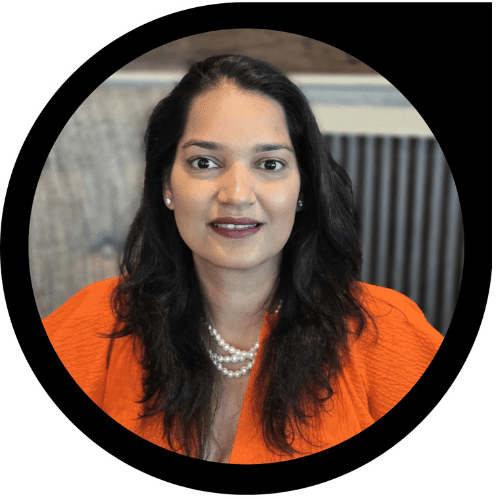
Hi! I’m Deepika — a Salesforce instructor, mentor, and career coach who’s helped over 200,000 students learn Salesforce through MyTutorialRack. I started just like many of my students: unsure, nervous, but determined. I believe in gentle guidance, practical steps, and celebrating every small win.
My promise to you is simple: I’ll make the complex feel friendly, I’ll be in your corner when you feel stuck, and I’ll give you a clear, kind path to becoming a certified Salesforce Admin.
200K+ students taught
10+ years teaching Salesforce
Beginner‑friendly, job‑ready projects
Trusted by global learners
🚀 Explore Our Most Popular Salesforce Courses
At MyTutorialRack, we know that Salesforce skills open doors to high-demand career opportunities. That’s why our most popular courses focus on simplifying complex topics, offering real-world scenarios, and guiding you through certification paths that matter. Learners consistently choose these programs for their clarity, structured content, and practical application. From understanding CRM fundamentals to building advanced automation and apps, these courses equip you with everything you need to succeed and grow as a Salesforce professional.
« Previous
Next »
What Our Learners Say About Our Salesforce Courses?
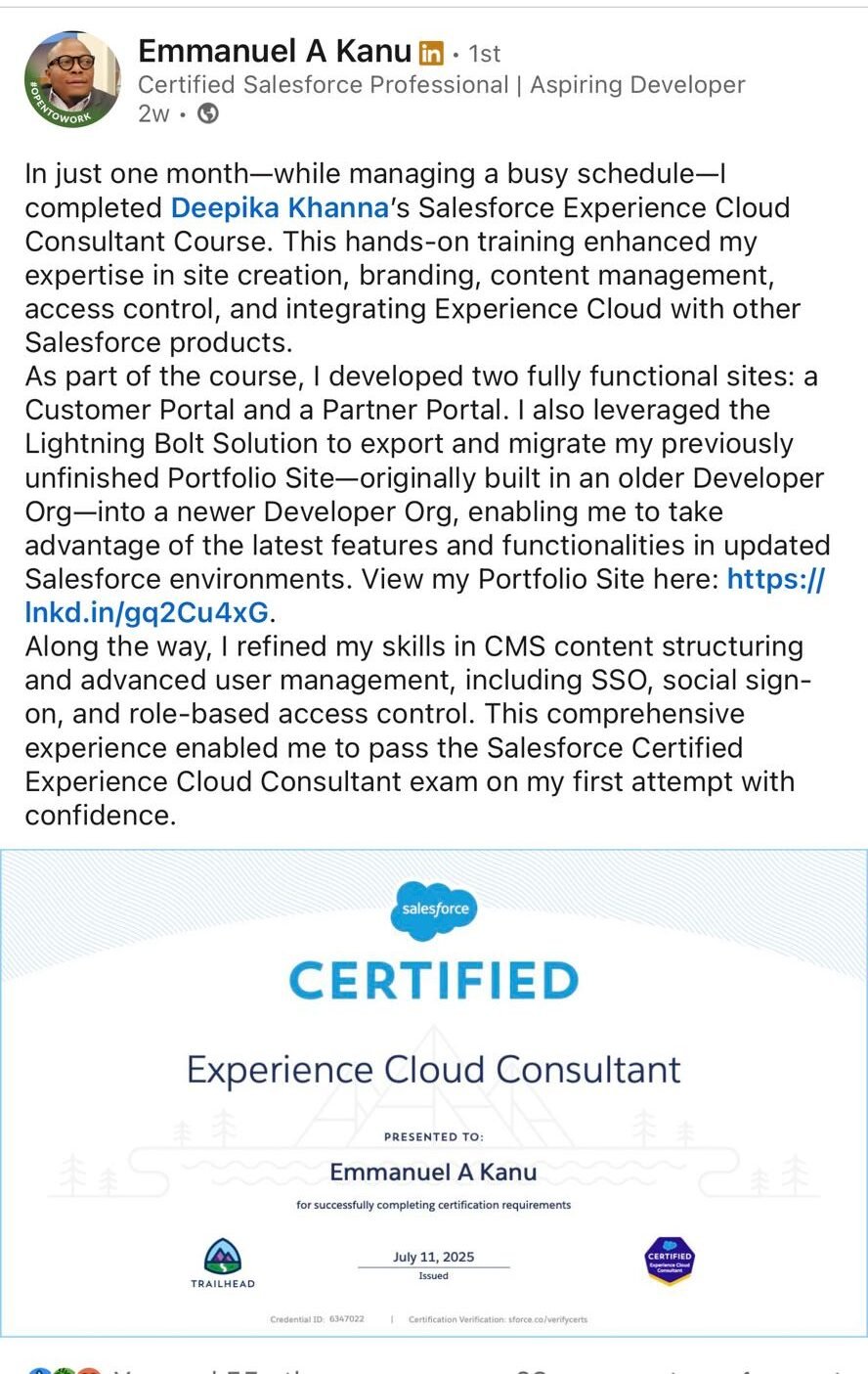
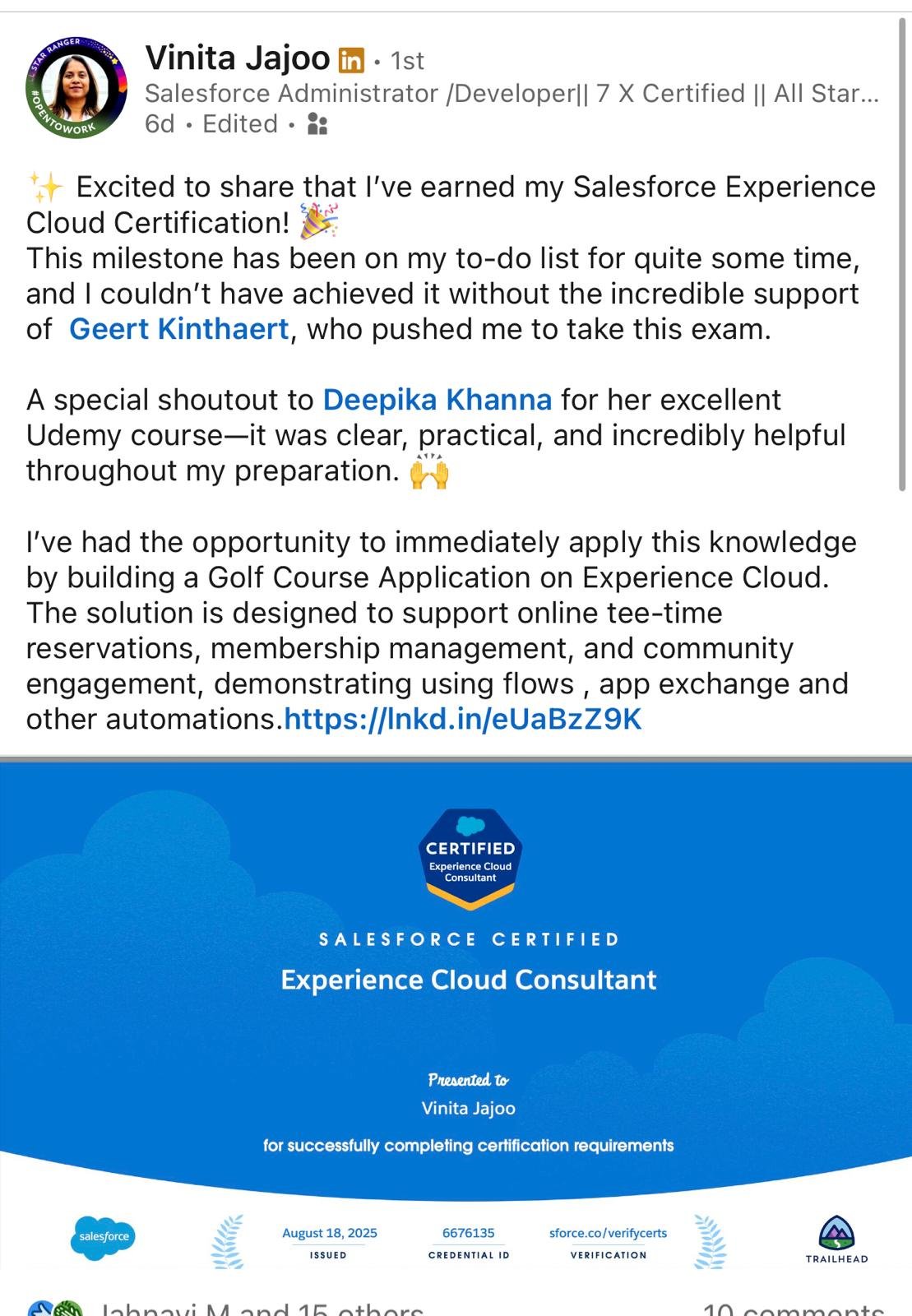
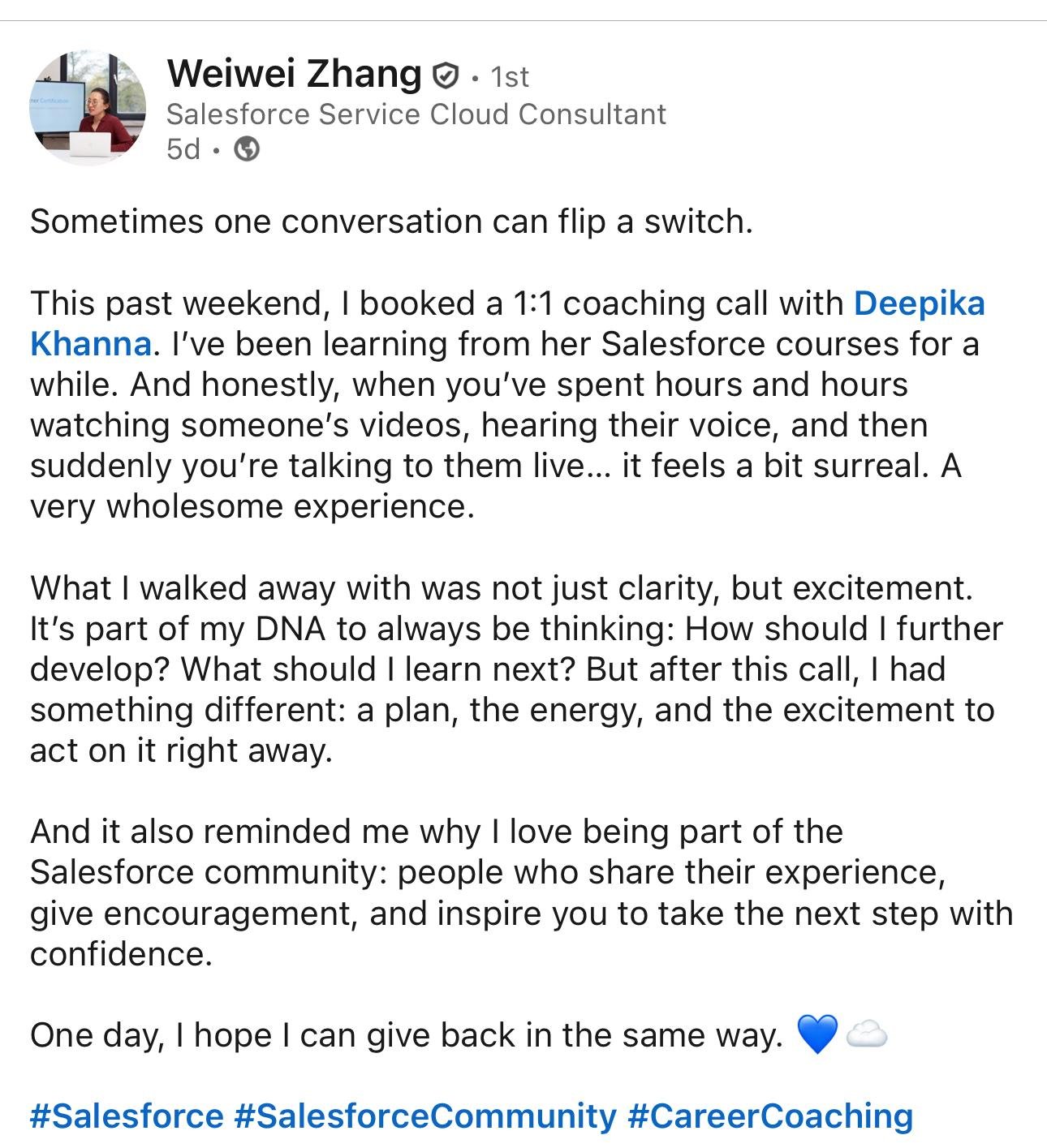
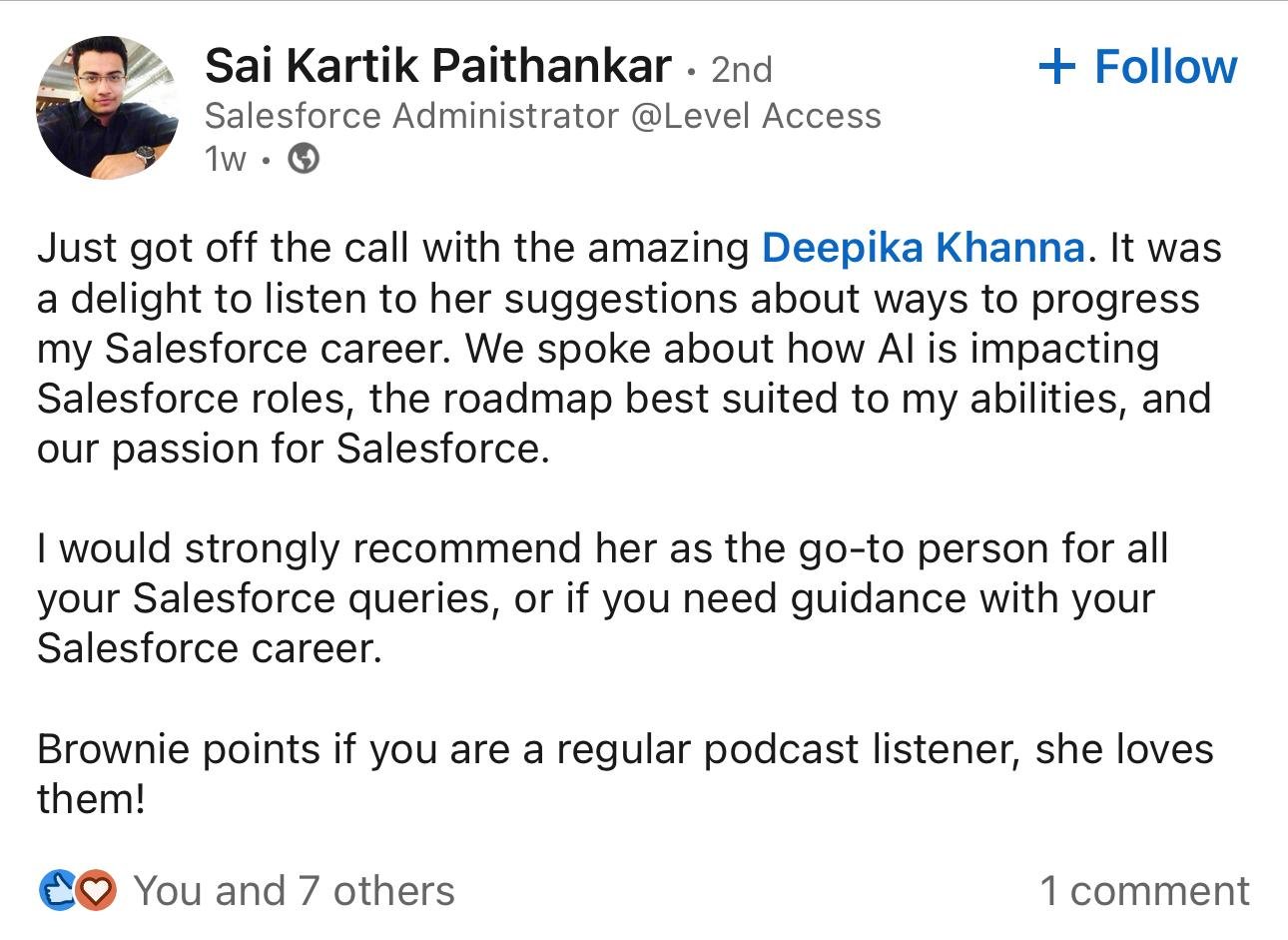
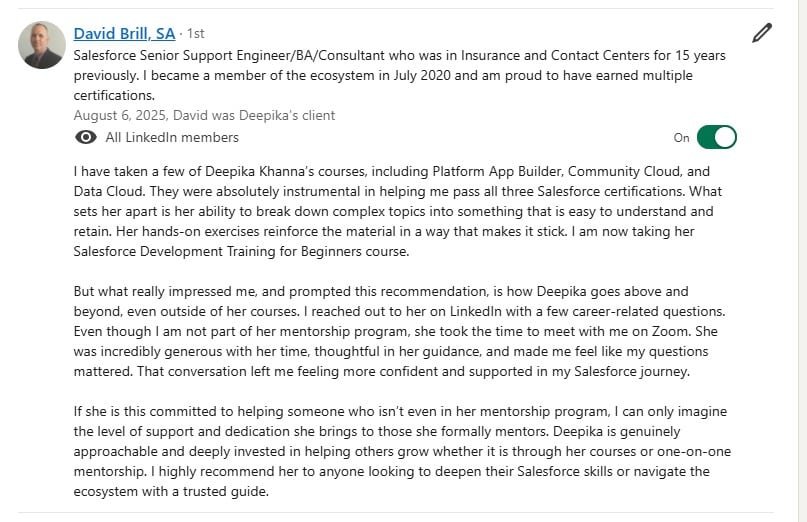
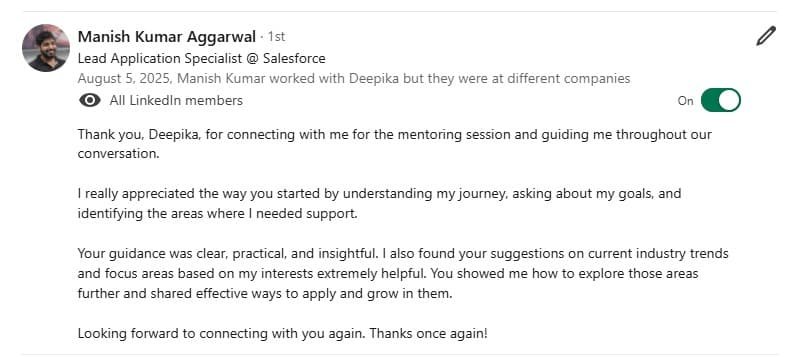
Our Salesforce courses have transformed the learning experience for thousands of professionals. Students often share how the structured curriculum, hands-on projects, and expert mentorship helped them move from theory to practice with confidence. Many highlight the clarity of instruction and the real-world case studies that mirror workplace challenges, making the training directly applicable to their daily tasks. Whether it’s securing certifications, excelling in CRM management, or advancing to higher roles, our learners testify that our Salesforce programs open doors to career growth and lasting success.
What prior knowledge do I need to take these Salesforce courses?
Our courses are designed for learners of all levels. Beginners can start with Salesforce Admin basics without prior technical experience, while those interested in development may benefit from a basic understanding of programming (such as Java or Apex). Each course includes structured content that builds from fundamentals to advanced topics.
Are these Salesforce courses suitable for non-IT professionals?
Yes. Many learners from business, sales, and marketing backgrounds enroll to gain Salesforce skills. The Admin and Cloud courses are especially beginner-friendly, helping non-IT professionals understand the platform and prepare for certifications.
Do the courses cover real-time, practical projects?
Absolutely. Our training emphasizes hands-on learning through real-world scenarios, case studies, and projects. This ensures you not only understand the concepts but also know how to apply them in professional Salesforce environments.
How are the courses different from free Salesforce resources online?
While Salesforce provides free documentation and Trailhead modules, our courses offer structured learning paths, in-depth explanations, guided mentorship, and project-based practice. This combination accelerates your learning and ensures you’re job-ready.
Will these courses prepare me for Salesforce certification exams?
Yes. Our Salesforce Admin, Developer, and Cloud courses are mapped closely to official Salesforce certification objectives. Along with detailed lessons, you’ll also receive exam tips, mock tests, and preparation strategies to boost your chances of success.
Do I receive a certificate after completing the course?
Yes. Upon successfully completing the course, you will receive a Course Completion Certificate that validates your learning. This certificate can be shared on LinkedIn, added to your resume, or used to showcase your Salesforce skills to employers.
What career opportunities can I expect after completing these Salesforce courses?
Salesforce professionals are in high demand worldwide. By completing these courses, you can pursue roles like Salesforce Administrator, Developer, Consultant, Architect, or AI Specialist. The average salary for Salesforce-certified professionals is highly competitive across industries.
Can I learn Salesforce part-time while working or studying?
Definitely. Our courses are flexible and self-paced, allowing you to learn at your convenience. You can access recorded lessons anytime and revisit modules as needed, making it ideal for working professionals and students.
Will I get access to a Salesforce practice environment?
Yes. We guide you in setting up a free Salesforce Developer Org, which gives you hands-on access to the platform. This practice environment mirrors the real Salesforce system and helps you build confidence through practical exercises.
How are Salesforce Admin, Developer, and Cloud courses different?
Admin courses focus on managing users, security, workflows, and system configuration.
Developer courses emphasize coding with Apex, Visualforce, and Lightning Web Components.
Cloud and AI-related courses cover Salesforce Sales Cloud, Service Cloud, Marketing Cloud, and Einstein AI.
Depending on your career path, you can choose one or combine them for a complete skill set.
Do I get support after course completion?
Yes. We offer continuous learning support even after you finish your course. This includes Q&A forums, updated study materials, and guidance for certifications or job preparation. You’ll also become part of a community of Salesforce learners and professionals.
What types of support are available during and after the course?
We provide multiple channels of support to ensure your success:
Email Support for detailed queries.
WhatsApp Support for quick clarifications.
Live Chat Support for instant help while learning.
1-on-1 Consultation sessions with mentors for personalized guidance.
Whether you need technical assistance, exam preparation help, or career guidance, we’re here to support you at every step.
