
Salesforce Integration With External Systems
Salesforce Integration with External Systems
Unlock the Power of Seamless Connectivity
Salesforce isn’t just the world’s #1 CRM—it’s the beating heart of countless businesses, powering billions of transactions every single day. But here’s the truth: Salesforce on its own is not enough.
The real magic happens when you connect Salesforce with the rest of your tech stack—enterprise apps, databases, custom systems, web services, and even streaming platforms.
That’s what this course is all about.
Why This Course?
If you’ve ever felt stuck trying to figure out which Salesforce API to use—or frustrated by the complexity of integrations—you’re not alone. Most admins, developers, and architects struggle with integrations because the documentation is overwhelming, fragmented, and not tied to real-world examples.
This course cuts through the noise. I’ll walk you step-by-step through all the major Salesforce integration patterns and APIs, explaining not just how they work but also when to use them.
By the end, you won’t just “know” Salesforce APIs—you’ll master them in real projects and confidently build integrations that actually deliver business value.
What You’ll Learn
Here’s a snapshot of the hands-on, practical skills you’ll walk away with:
-
Overview of Salesforce APIs – Understand the big picture and where each API shines.
-
SOAP API – Integrate Salesforce with enterprise-grade apps.
-
REST API – Build lightweight, modern integrations in minutes.
-
Bulk API – Handle millions of records with ease.
-
Apex Callouts – Consume external services directly from Salesforce.
-
Lightning Web Components & Aura – Call external web services from your UI components.
-
Streaming API (PushTopics, Platform Events, Change Data Capture) – Deliver real-time updates across systems.
-
External System Data Flow – Fetch and send Salesforce data to apps like Java systems.
Each section comes with real-world examples, clear explanations, and practical demos that mirror the scenarios you’ll face in your job.
Who This Course Is For
This course is perfect if you are:
-
A Salesforce Developer wanting to become the “go-to” integration expert on your team.
-
A Salesforce Admin looking to understand how Salesforce connects with the wider ecosystem.
-
An Integration Architect or Technical Lead who needs to design scalable, reliable solutions.
-
Or simply anyone preparing for Salesforce certifications that touch integrations.
If you want to level up your Salesforce career, this is your path.
Why Learn From Me?
I’ve helped thousands of Salesforce professionals worldwide master Admin, Development, and Integration skills. I don’t just teach concepts—I translate them into practical, real-world use cases so you can apply what you learn immediately.
My students consistently tell me my courses gave them the confidence to land new jobs, pass certifications, and take on bigger projects.
The End Result
By the end of this course, you’ll be able to:
-
Confidently pick the right Salesforce API for any scenario
-
Design integrations that are efficient, secure, and scalable
-
Build real-world solutions that connect Salesforce with external systems
-
Supercharge your career by becoming an Integration Specialist
Join today and take your Salesforce skills to the next level.
Enroll now in Salesforce Integration with External Systems, and start building the kind of integrations that make you an invaluable asset in the Salesforce ecosystem.
Setting up the Environment for the course
-
Creating a Salesforce Developer account
-
Important Update (Enable Allow OAuth Username-Password Flows) on new orgs
-
Connect with me on LinkedIn
-
Overview of the Demo Application
-
Demo: Setting up Your (Salesforce) Environment
-
Demo: Setting up Your (Development) Environment
Using Force.com SOAP APIs to integrate
-
Overview of POSTMAN tool and installing POSTMAN on local machine
-
Overview of SOAP API
-
JSON Vs XML: Features of XML and JSON
-
Authenticating SOAP API Users: Connect to Salesforce using POSTMAN
-
Please use the Correct Endpoint URL
-
SOAP Requests with POSTMAN: Query Account records
-
Making SOAP API Calls using POSTMAN
-
Working with SOAP API Headers: Mru Header
-
How to create a record in Custom Object using SOAP API?
-
Insert Multiple records into different object using SOAP
-
Demo Description: Building Custom SOAP Services
-
Demo: Creating a Custom SOAP Service
Creating Lightweight Integrations with the Force.com REST API
-
Overview of Apex REST Annotations
-
Enable username password flow in your Org
-
Use Postman to call a REST API
-
Create a connected app in Salesforce: Connected Apps using the standard Oauth
-
Authenticating REST API users
-
Execute a SOQL Query to retrieve records
-
Create a record using Rest API from POSTMAN
-
Create a custom object record using REST API from POSTMAN
-
ASSIGNMENT to create a custom object record using REST API from POSTMAN
-
Creating a Custom REST API in Salesforce
-
QUIZ 1
-
Difference between SOAP API and REST API
Salesforce Integrations with External Systems
-
Calling Salesforce from External Application
-
Install Node JS and Visual Studio Code
-
Host External Application on your local machine and update credentials.json file
-
Making a REST Call from External System to fetch Salesforce Records
Salesforce BULK API Overview
-
What is Salesforce bulk API? How Bulk API works in Salesforce?
-
How do I create a bulk API in Salesforce?
-
Salesforce Bulk API with Example
-
Salesforce Bulk API: Upload records using a CSV file in salesforce
-
Salesforce Bulk API: Create a Transformation Spec That Defines Mappings
-
QUIZ 2
Salesforce Callouts: Invoking Callouts using Apex
-
How to make Callouts from Salesforce?
-
How To Enable Custom Domain In Salesforce?
-
What is remote site setting, and how to use remote site settings in Salesforce?
-
Create an Apex class which makes the Callout to external system
-
How to Make HTTP Callout from Lightning component?
-
Make HTTP Callout From Lightning Component And Show Data inside Salesforce
Streaming API in Salesforce: Passing data from Salesforce to External System
-
Overview of Streaming API in Salesforce
-
What is a Push Topic in Salesforce? How do I create a push topic in Salesforce?
-
Create a Push Topic in Salesforce
-
Download Java Development Kit to setup external application
-
Install Eclipse on your machine
-
Import Maven Project
-
Sending Data from Salesforce to External System using Push Topics
-
What are Platform Events in Salesforce? How to create Platform Events ?
-
How to publish Platform Events from Workbench?
-
How to publish Platform Events from Apex ?
-
What are Change Data Capture Event in Salesforce? How to create ?
-
Sending Data from Salesforce To External System using Change Data Capture Events
Integrating One Salesforce Org to Another Salesforce Org Using SOAP API
-
How do I integrate one org to another Salesforce?
-
Partner vs Enterprise WSDL: Difference between Partner WSDL & Enterprise WSDL
-
How to generate Apex class from WSDL?
-
Remote Site Settings in Salesforce
-
Create Trigger on the Parent Salesforce System
-
End to End walkthrough of the complete application
-
Test the Connection between Salesforce Orgs
SOAP UI
-
What is SOAP UI and how to install SOAP UI?
-
Invoke SOAP Service from Parent Salesforce System
-
SOAP API Request: Login to Salesforce
-
Create and Delete request from SOAP UI
REST API Callout from LWC (Lightning Web Component)
-
How to make a REST API callout from LWC?
-
Install SFDX and Salesforce Extension Pack for Visual Studio Code
-
Authorize an Org from Visual Studio Code
-
Lightning Web Component: Create Combobox for our application
-
Lightning Web Component: Create a Lightning button
-
Lightning Web Component: Define the handlers for the Combobox
-
Make a REST Call from Client Side Controller
-
Parse Web Service Response on the UI
-
REST API callout from Client Side Controller
-
REST API Callout from Server Side Controller
-
Test the application
Meet Your Instructor — Deepika Khanna
Hi! I’m Deepika — a Salesforce instructor, mentor, and career coach who’s helped over 200,000 students learn Salesforce through MyTutorialRack. I started just like many of my students: unsure, nervous, but determined. I believe in gentle guidance, practical steps, and celebrating every small win.
My promise to you is simple: I’ll make the complex feel friendly, I’ll be in your corner when you feel stuck, and I’ll give you a clear, kind path to becoming a certified Salesforce Admin.
200K+ students taught
10+ years teaching Salesforce
Beginner‑friendly, job‑ready projects
Trusted by global learners

🚀 Explore Our Most Popular Salesforce Courses
At MyTutorialRack, we know that Salesforce skills open doors to high-demand career opportunities. That’s why our most popular courses focus on simplifying complex topics, offering real-world scenarios, and guiding you through certification paths that matter. Learners consistently choose these programs for their clarity, structured content, and practical application. From understanding CRM fundamentals to building advanced automation and apps, these courses equip you with everything you need to succeed and grow as a Salesforce professional.
$15.00
$27.00
$15.00
$27.00
$15.00
$27.00
$15.00
$27.00
$15.00
$27.00
$15.00
$27.00
What Our Learners Say About Our Salesforce Courses?
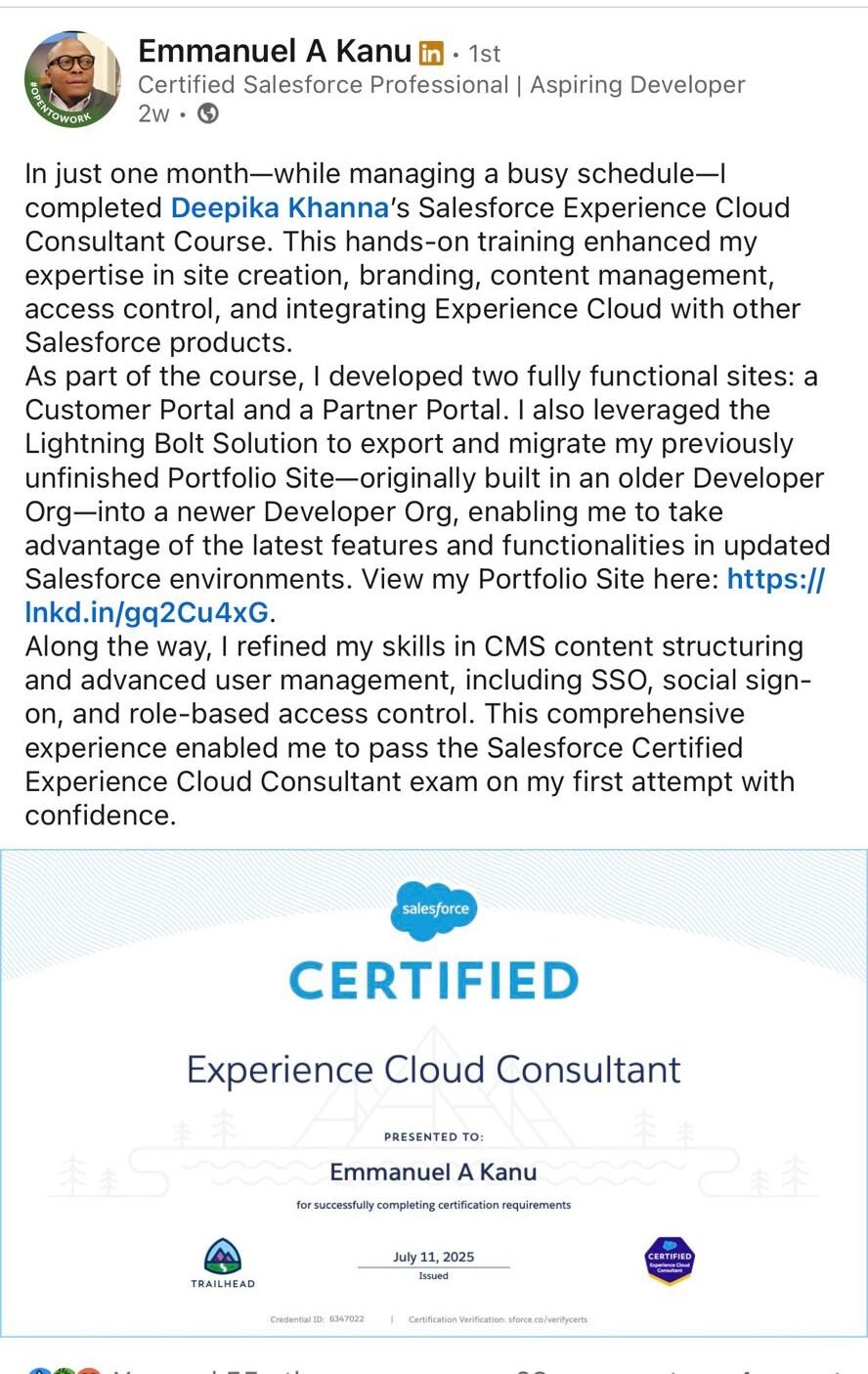
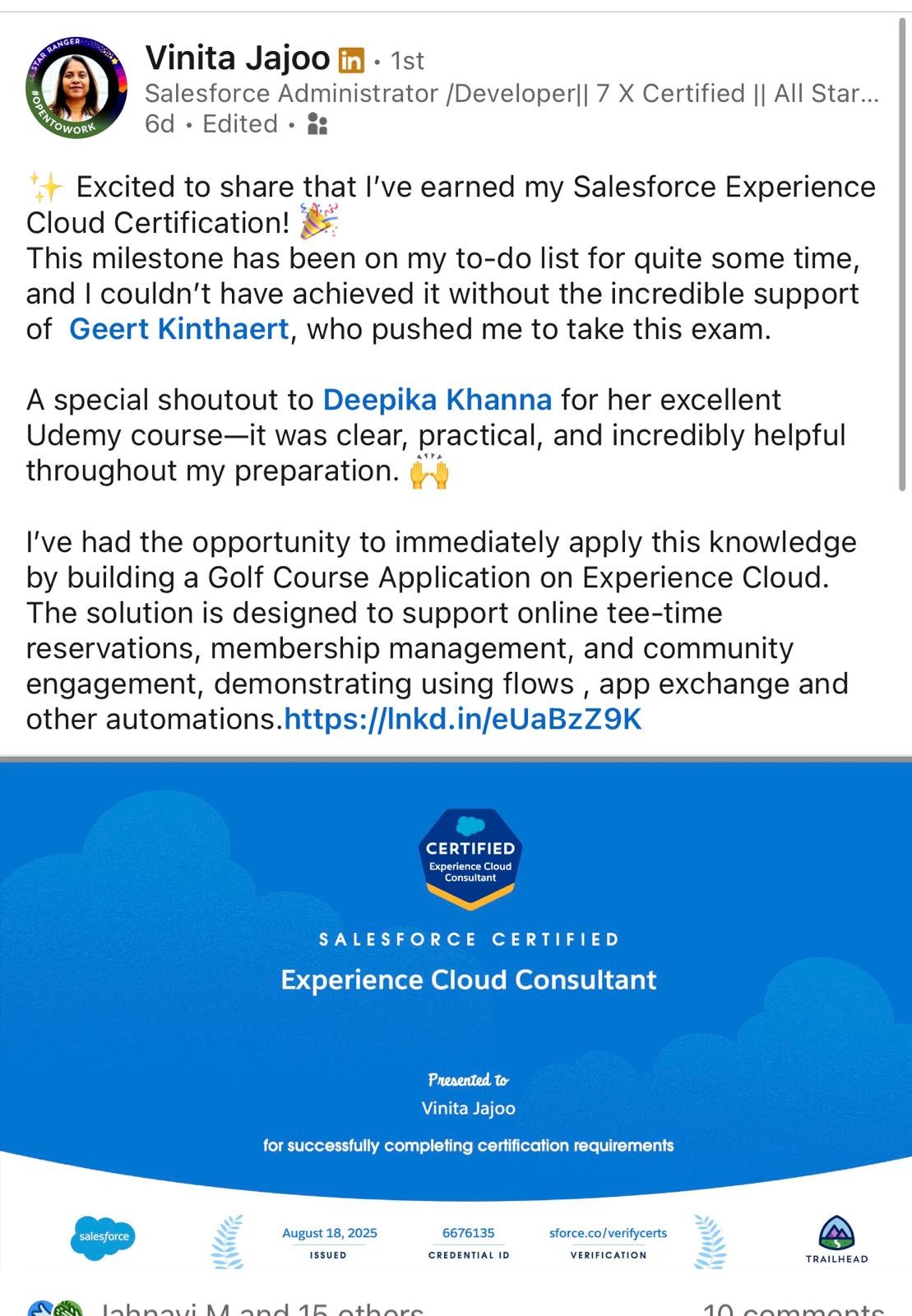
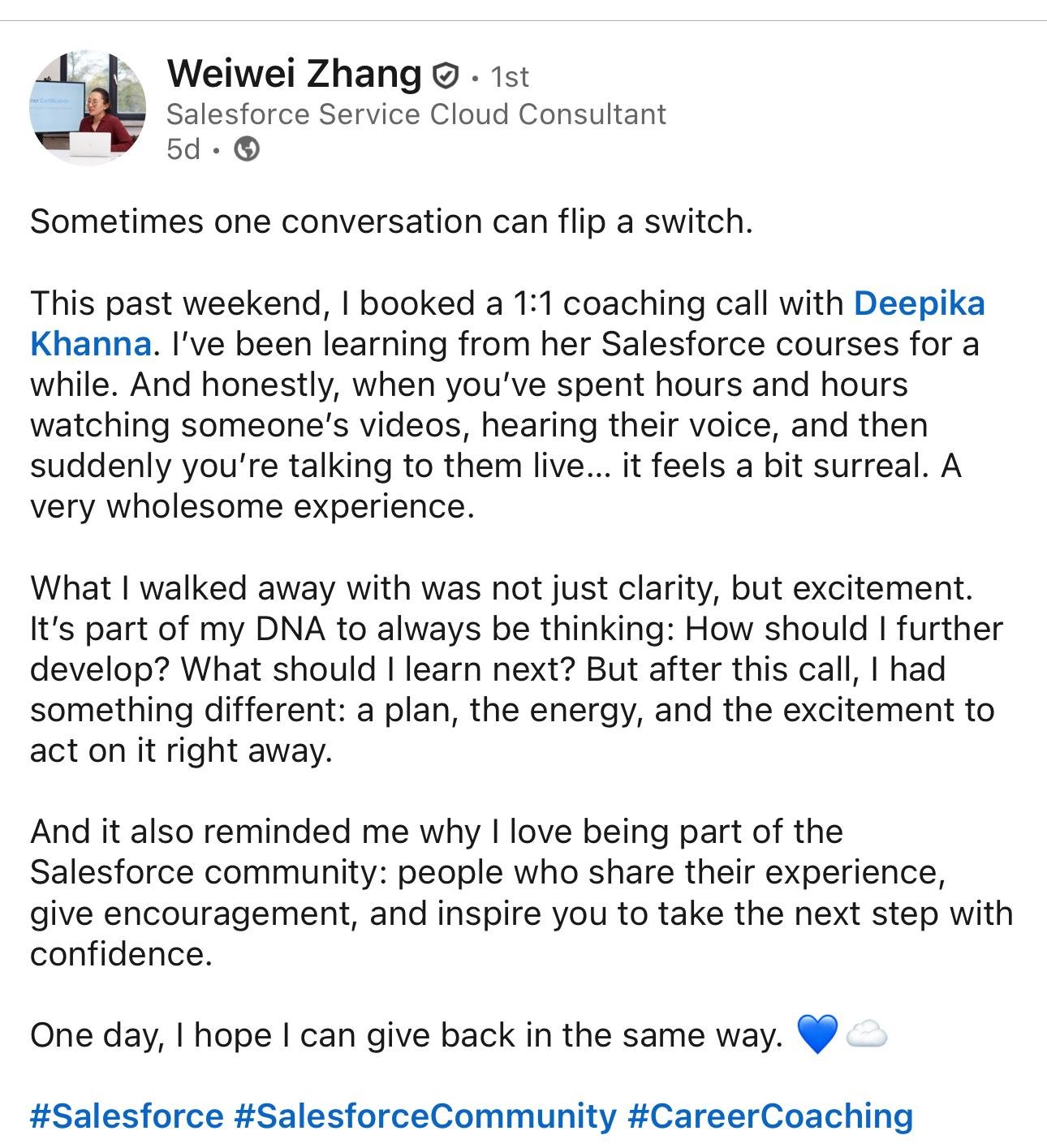
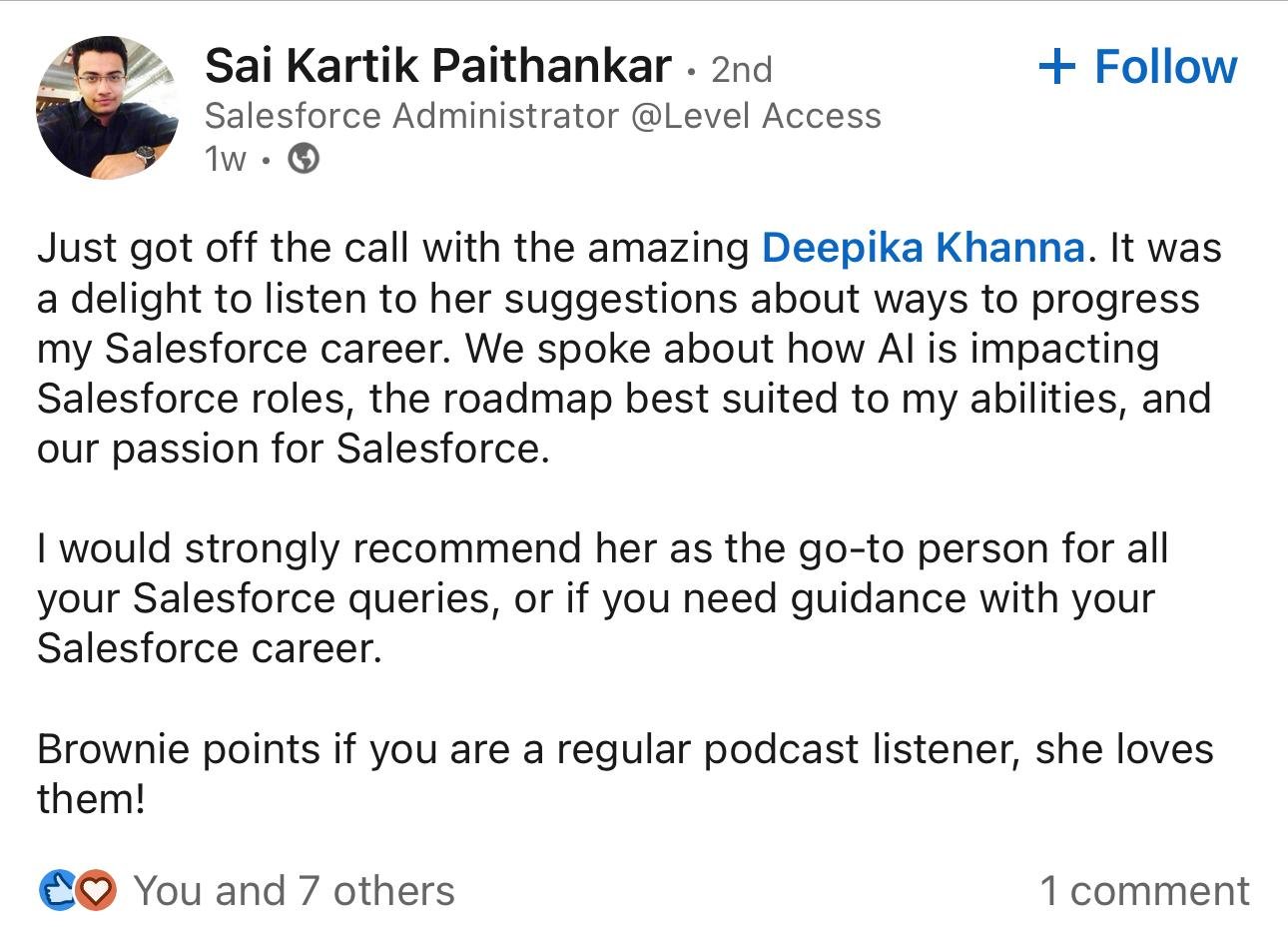
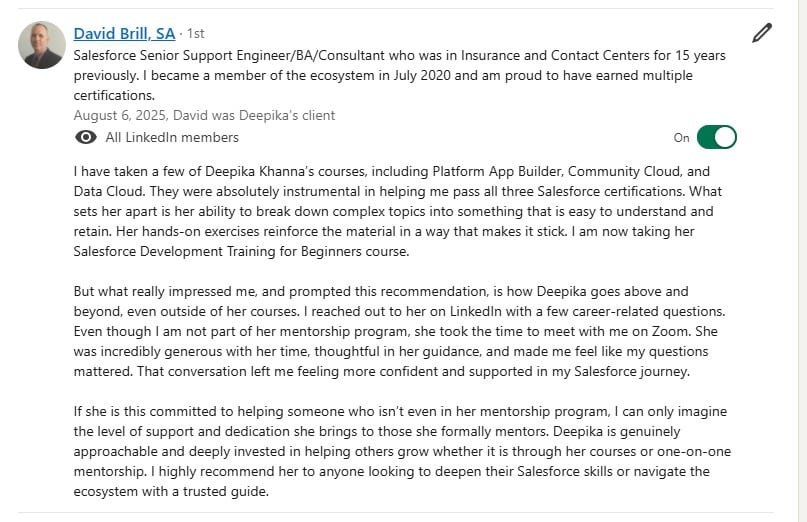
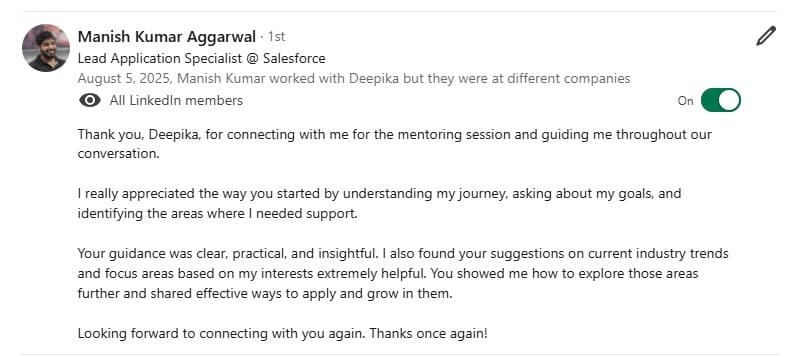
Our Salesforce courses have transformed the learning experience for thousands of professionals. Students often share how the structured curriculum, hands-on projects, and expert mentorship helped them move from theory to practice with confidence. Many highlight the clarity of instruction and the real-world case studies that mirror workplace challenges, making the training directly applicable to their daily tasks. Whether it’s securing certifications, excelling in CRM management, or advancing to higher roles, our learners testify that our Salesforce programs open doors to career growth and lasting success.
What prior knowledge do I need to take these Salesforce courses?
Our courses are designed for learners of all levels. Beginners can start with Salesforce Admin basics without prior technical experience, while those interested in development may benefit from a basic understanding of programming (such as Java or Apex). Each course includes structured content that builds from fundamentals to advanced topics.
Are these Salesforce courses suitable for non-IT professionals?
Yes. Many learners from business, sales, and marketing backgrounds enroll to gain Salesforce skills. The Admin and Cloud courses are especially beginner-friendly, helping non-IT professionals understand the platform and prepare for certifications.
Do the courses cover real-time, practical projects?
Absolutely. Our training emphasizes hands-on learning through real-world scenarios, case studies, and projects. This ensures you not only understand the concepts but also know how to apply them in professional Salesforce environments.
How are the courses different from free Salesforce resources online?
While Salesforce provides free documentation and Trailhead modules, our courses offer structured learning paths, in-depth explanations, guided mentorship, and project-based practice. This combination accelerates your learning and ensures you’re job-ready.
Will these courses prepare me for Salesforce certification exams?
Yes. Our Salesforce Admin, Developer, and Cloud courses are mapped closely to official Salesforce certification objectives. Along with detailed lessons, you’ll also receive exam tips, mock tests, and preparation strategies to boost your chances of success.
Do I receive a certificate after completing the course?
Yes. Upon successfully completing the course, you will receive a Course Completion Certificate that validates your learning. This certificate can be shared on LinkedIn, added to your resume, or used to showcase your Salesforce skills to employers.
What career opportunities can I expect after completing these Salesforce courses?
Salesforce professionals are in high demand worldwide. By completing these courses, you can pursue roles like Salesforce Administrator, Developer, Consultant, Architect, or AI Specialist. The average salary for Salesforce-certified professionals is highly competitive across industries.
Can I learn Salesforce part-time while working or studying?
Definitely. Our courses are flexible and self-paced, allowing you to learn at your convenience. You can access recorded lessons anytime and revisit modules as needed, making it ideal for working professionals and students.
Will I get access to a Salesforce practice environment?
Yes. We guide you in setting up a free Salesforce Developer Org, which gives you hands-on access to the platform. This practice environment mirrors the real Salesforce system and helps you build confidence through practical exercises.
How are Salesforce Admin, Developer, and Cloud courses different?
Admin courses focus on managing users, security, workflows, and system configuration.
Developer courses emphasize coding with Apex, Visualforce, and Lightning Web Components.
Cloud and AI-related courses cover Salesforce Sales Cloud, Service Cloud, Marketing Cloud, and Einstein AI.
Depending on your career path, you can choose one or combine them for a complete skill set.
Do I get support after course completion?
Yes. We offer continuous learning support even after you finish your course. This includes Q&A forums, updated study materials, and guidance for certifications or job preparation. You’ll also become part of a community of Salesforce learners and professionals.
What types of support are available during and after the course?
We provide multiple channels of support to ensure your success:
Email Support for detailed queries.
WhatsApp Support for quick clarifications.
Live Chat Support for instant help while learning.
1-on-1 Consultation sessions with mentors for personalized guidance.
Whether you need technical assistance, exam preparation help, or career guidance, we’re here to support you at every step.
